
Blog
Stay up-to-date with the latest news, tutorials, and articles.

Push marketing data from Pro Plugg and Google Sheets into BigQuery. Calculate true ROI, LTV by channel, and build attribution models. Guide for data teams.

Centralize Meta Ads, TikTok, and Instagram data in one Google Sheet. Multi-tab setup, cross-sheet formulas, one-click refresh. No coding required.
Import Meta Ads, TikTok, and Instagram data into Google Sheets with one click. Saved queries, smart append, custom date ranges. No coding. Try free.
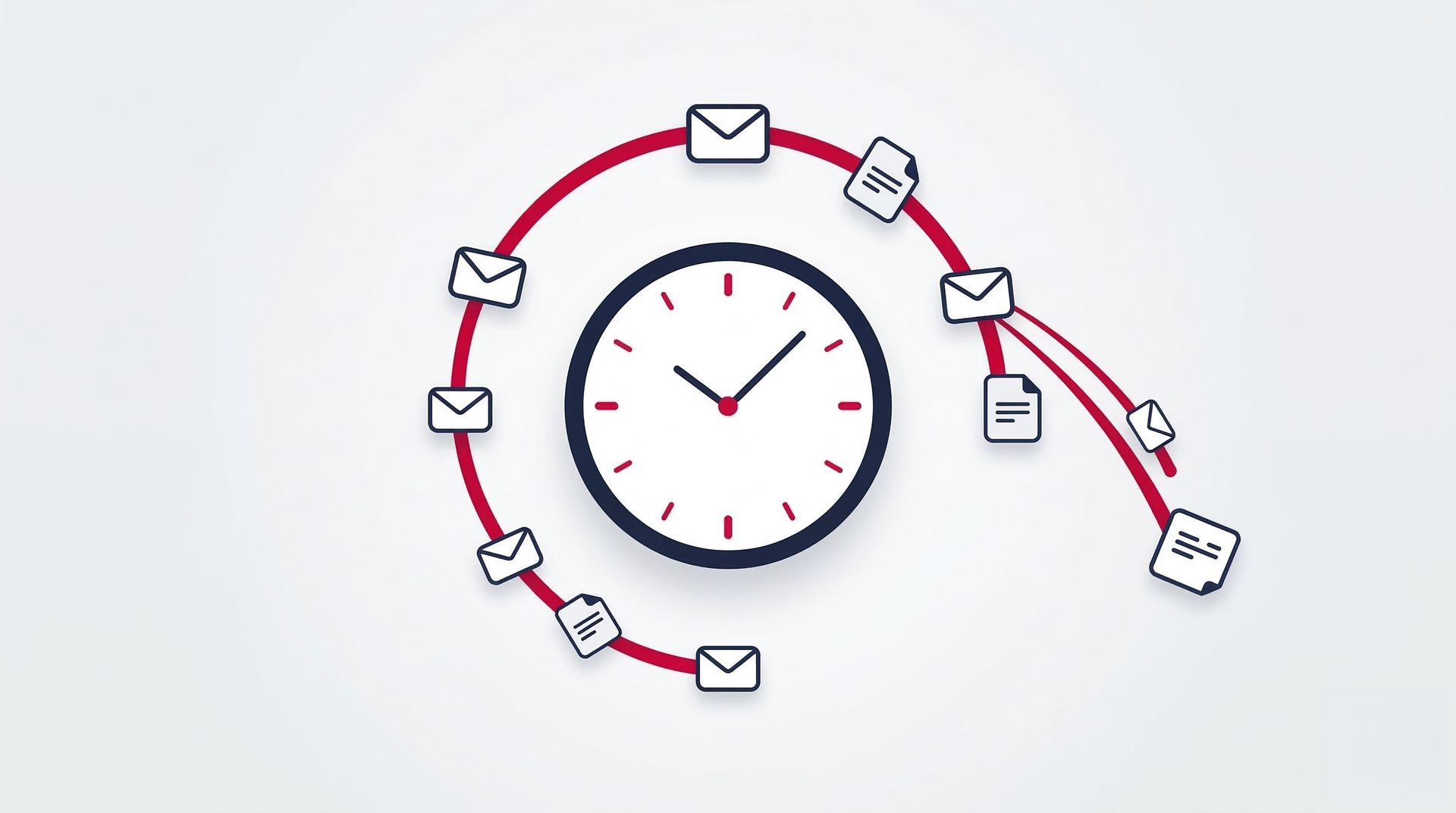
Learn how to set up scheduled email reports in Looker Studio with Pro Plugg data. Automate weekly and monthly marketing reports for clients and stakeholders.

Build cross-platform dashboards with Pro Plugg templates. Compare Meta, TikTok, and LinkedIn ads side by side — CPM, ROAS, engagement — all in Looker Studio.
Unlock the full picture of your marketing by combining Pro Plugg connectors. See powerful pairings for Instagram, Meta Ads, TikTok, and LinkedIn data.

Discover every Pro Plugg connector for Looker Studio and Google Sheets. Instagram, Facebook, Meta Ads, TikTok, LinkedIn — all your marketing data, automated.

Introduction Looker Studio stands out as a data visualization tool that facilitates sharing and collaboration. In this post, we will explore how to leverage these features to improve team collaboration and make reports more interactive and efficient. 1. Understanding Sharing Options Sharing reports in Looker Studio can be done publicly or privately. Public sharing allows universal access through a link, while private sharing restricts access to specific users. Managing access permissions is simple and intuitive, allowing full control over who sees or edits your report. 2. Real-Time Collaboration Sharing reports in Looker Studio can be done publicly or privately. Public sharing allows universal access through a link, while private sharing restricts access to specific users. Managing access permissions is simple and intuitive, allowing full control over who sees or edits your report. 3. Version Control and History Looker Studio offers a detailed revision history, allowing users to revert to previous versions of a report, a critical functionality for recovering information or correcting errors. 4. Scheduling Report Delivery Looker Studio enables users to schedule automatic report delivery. This means you can set up reports to be automatically sent to your team or clients at regular intervals, such as daily, weekly, or monthly. This feature ensures that all stakeholders receive the latest information without the need for manual system access. 5. Embedding Reports Another powerful feature is the ability to embed reports into other web pages. This allows you to insert dynamic data visualizations into internal or external websites, making them accessible to a wider audience without the need to directly access Looker Studio. Conclusion The sharing, collaboration, scheduled delivery, and report embedding features of Looker Studio are essential for maximizing the efficiency and effectiveness of team data analysis.

How do you know if your account is a Business Account? To confirm that your account is a business account, go to the Instagram app on your mobile phone, go to Settings > Account > Click change account type. If it appears exactly like this: "switch to personal account", it is a business account. Another way is if the "Professional Panel" control appears at the beginning.