
Share this content
You run ads on Meta. You post organically on Instagram and TikTok. Maybe you are testing LinkedIn Ads for B2B. Each platform has its own dashboard, its own metrics, its own way of presenting data.
The result? You spend more time switching tabs and copying numbers than actually analyzing your marketing performance.
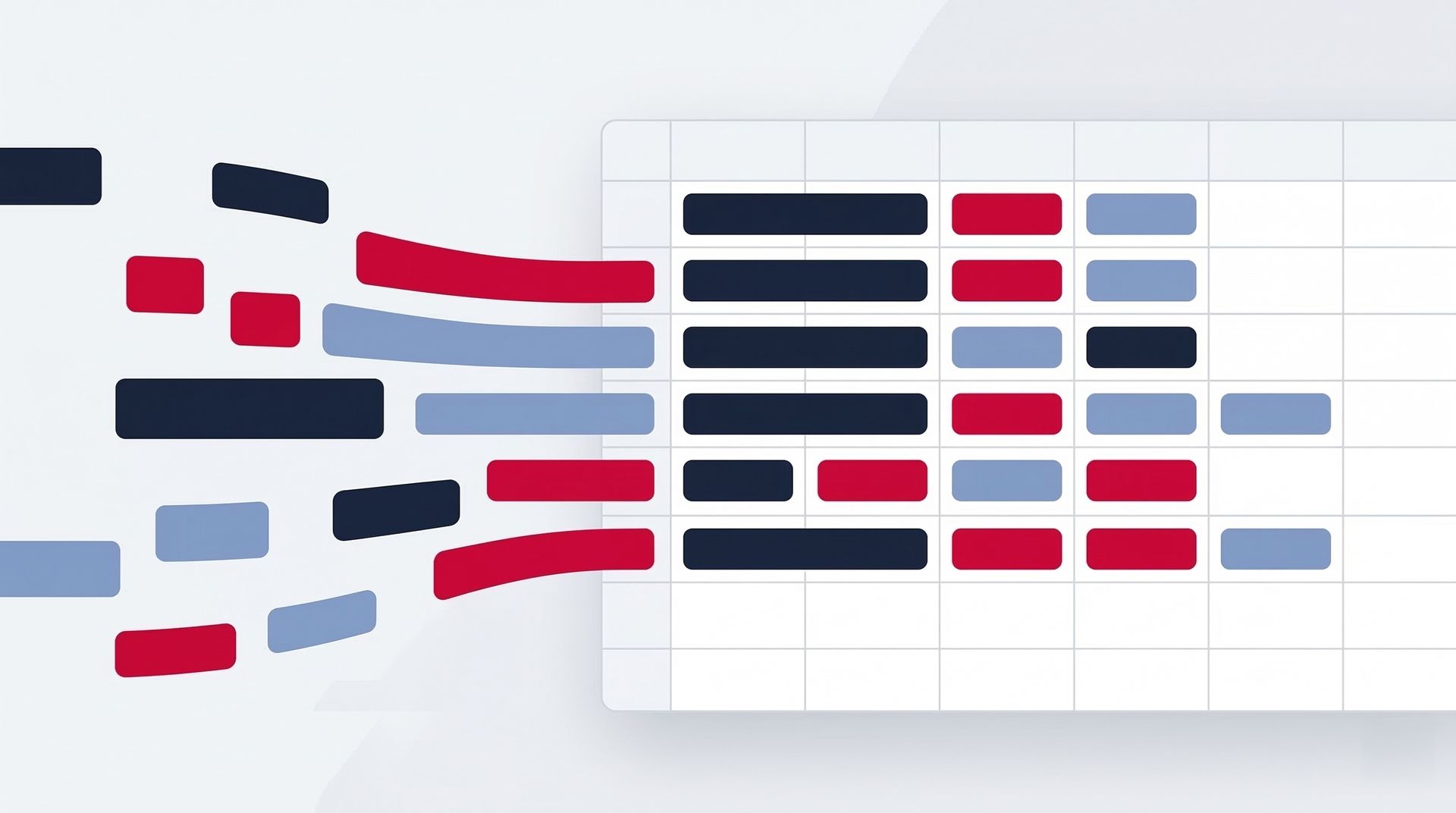
Cross-platform dashboards solve this. One report, every platform, updated automatically. Here is how to build one with Pro Plugg connectors — and why it changes everything.
Why Cross-Platform Dashboards Matter
The Tab-Switching Tax
Every time you jump between Meta Ads Manager, TikTok Ads, LinkedIn Campaign Manager, and Instagram analytics, you lose context. Numbers from one platform do not stick in your memory while you navigate to the next. By the time you have checked all four, you have forgotten what you saw on the first.
This is not a productivity problem. It is a decision-making problem. Bad analysis leads to bad budget allocation.
The Apples-to-Oranges Problem
Each platform reports metrics differently. Meta counts a "view" one way, TikTok another. Engagement rate calculations vary. Attribution windows differ. When each metric lives in its own silo, meaningful comparison is impossible.
A cross-platform dashboard standardizes the view. Same time period, same visual format, side by side. Now you can actually compare.
If you have not yet explored which connectors to combine, read our guide on powerful connector combinations first.
What You Can Build with Pro Plugg Multi-Connector Templates
Pro Plugg offers free dashboard templates designed for cross-platform reporting in Looker Studio. Here is what becomes possible:
1. Cross-Platform Ad Performance Dashboard
Connectors used: Meta Ads + TikTok Ads + LinkedIn Ads
See all your paid campaigns in one view:
- Total spend across platforms — Know exactly how much you are investing this month, split by platform
- CPM comparison — Which platform is cheapest to reach 1,000 people right now?
- CPC side by side — Where are you getting the most affordable clicks?
- Conversion tracking — Which platform drives the most conversions per dollar?
- ROAS by platform — See return on ad spend for Meta, TikTok, and LinkedIn in the same chart
Why it matters: When you see that TikTok's CPM is 40% lower than Meta's this month, you can shift budget immediately. Without this dashboard, you would discover that insight weeks later — or never. Marketing teams that adopt this approach routinely save 15-20% on ad spend through smarter allocation.
2. Organic Social Performance Dashboard
Connectors used: Instagram Insights + TikTok Organic + Facebook Insights
Track your organic presence across every major social platform:
- Engagement rate trends — See which platform your audience engages with most
- Follower growth comparison — Which platform is growing fastest?
- Content performance by type — Do videos outperform images across all platforms, or just some?
- Best posting times — Compare when your audience is most active on each platform
- Reach and impressions — Understand your organic visibility at a glance
Why it matters: Organic strategies should be platform-specific, but informed by cross-platform trends. If video engagement is rising everywhere, double down on video across all channels.
3. Competitive Intelligence Dashboard
Connectors used: Instagram Public Data + Facebook Public Data
Monitor competitors without lifting a finger:
- Your brand vs. competitors — Engagement, growth, and posting frequency side by side
- Industry benchmarks — Track average performance across 5-10 key accounts
- Content strategy analysis — See what types of content competitors post most often
- Trend detection — Spot when competitors increase posting frequency (a sign of a new campaign launch)
Why it matters: Competitive intelligence is usually manual, time-consuming, and outdated by the time you compile it. This dashboard stays current automatically.
4. Full Funnel Marketing Dashboard
Connectors used: Meta Ads + Facebook Insights + Instagram Insights
Connect the dots from awareness to engagement to conversion:
- Top of funnel — Ad impressions and reach (Meta Ads with 243 fields)
- Middle of funnel — Organic engagement and profile visits (Facebook Insights with 144+ metrics + Instagram Insights)
- Bottom of funnel — Conversions and website clicks
- Attribution analysis — See how paid campaigns influence organic performance over time
Why it matters: Marketing does not happen in a single touchpoint. This dashboard shows the full journey from first impression to final action.
5. Client Reporting Dashboard
Connectors used: Any combination from the full connector catalog, customized per client
For agencies and freelancers:
- Executive summary page — Key KPIs across all platforms in one glance
- Platform-specific deep dives — Detailed pages for each platform when clients want to zoom in
- Month-over-month trends — Show progress over time with consistent formatting
- Automated delivery — Combine with Looker Studio's scheduled emails to auto-send weekly or monthly (learn how in our automated report delivery guide)
Why it matters: Clients do not want five separate reports. They want one clear story. Multi-connector dashboards tell that story.
How to Build Your Cross-Platform Dashboard
Step 1: Connect Your Data Sources
In Looker Studio, add each Pro Plugg connector as a data source. Each connector takes about 30 seconds to set up — authorize the platform, select your account, and choose your data range.
Step 2: Start with a Template
Do not build from scratch. Pro Plugg provides free multi-connector templates that are already designed for cross-platform comparison. Pick one that matches your use case and customize it.
Step 3: Customize Your View
Add filters for date range, platform, campaign, or any dimension you need. Rearrange charts. Add scorecards for your most important KPIs. The template gives you the structure — you make it yours.
Step 4: Share and Automate
Share the dashboard link with your team or clients. Set up scheduled email delivery for automated weekly or monthly reports. Your cross-platform view now runs itself.
Comparing CPM, ROAS, and Engagement Across Platforms
Here is where cross-platform dashboards get really powerful. When you place Meta Ads, TikTok Ads, and LinkedIn Ads data next to each other, patterns emerge that are invisible in isolation:
- CPM trends: TikTok often delivers lower CPMs for broad audiences, while LinkedIn commands a premium for B2B targeting. Track these shifts month over month.
- ROAS by platform: Meta might win on direct-response e-commerce campaigns, but LinkedIn could dominate for high-ticket B2B lead generation. Without a side-by-side view, you will never know.
- Engagement quality: A click on LinkedIn might be worth 10x more than a click on TikTok for a B2B company. Your dashboard should reflect that reality.
Data teams particularly appreciate this level of cross-platform visibility because it turns scattered data into a single source of truth.
The Data Advantage
With Pro Plugg connectors, you get consistent, standardized data schemas across platforms. That means when you put Meta Ads data next to TikTok Ads data, the fields align properly. No manual cleaning, no formula gymnastics — just clean comparison.
And with up to 2 years of historical data, your cross-platform dashboard does not just show today. It shows trends, seasonality patterns, and long-term performance shifts that single-platform views simply cannot reveal.
Stop Switching Tabs. Start Seeing the Full Picture.
Your marketing data is scattered across platforms not because it has to be, but because each platform wants to keep you inside its walled garden. Pro Plugg breaks those walls down.
One dashboard. Every platform. Updated automatically. That is cross-platform reporting done right.
Ready to get started?
Build your cross-platform dashboard today. Start with a free Pro Plugg template, connect all your data sources in minutes, and see the full picture for the first time. Start your free 30-day trial — no credit card required.
Share this content
Latest content


Ready to automate your reporting?
Join data-driven teams who save 10+ hours per week.
NO CREDIT CARD REQUIRED