
Share this content
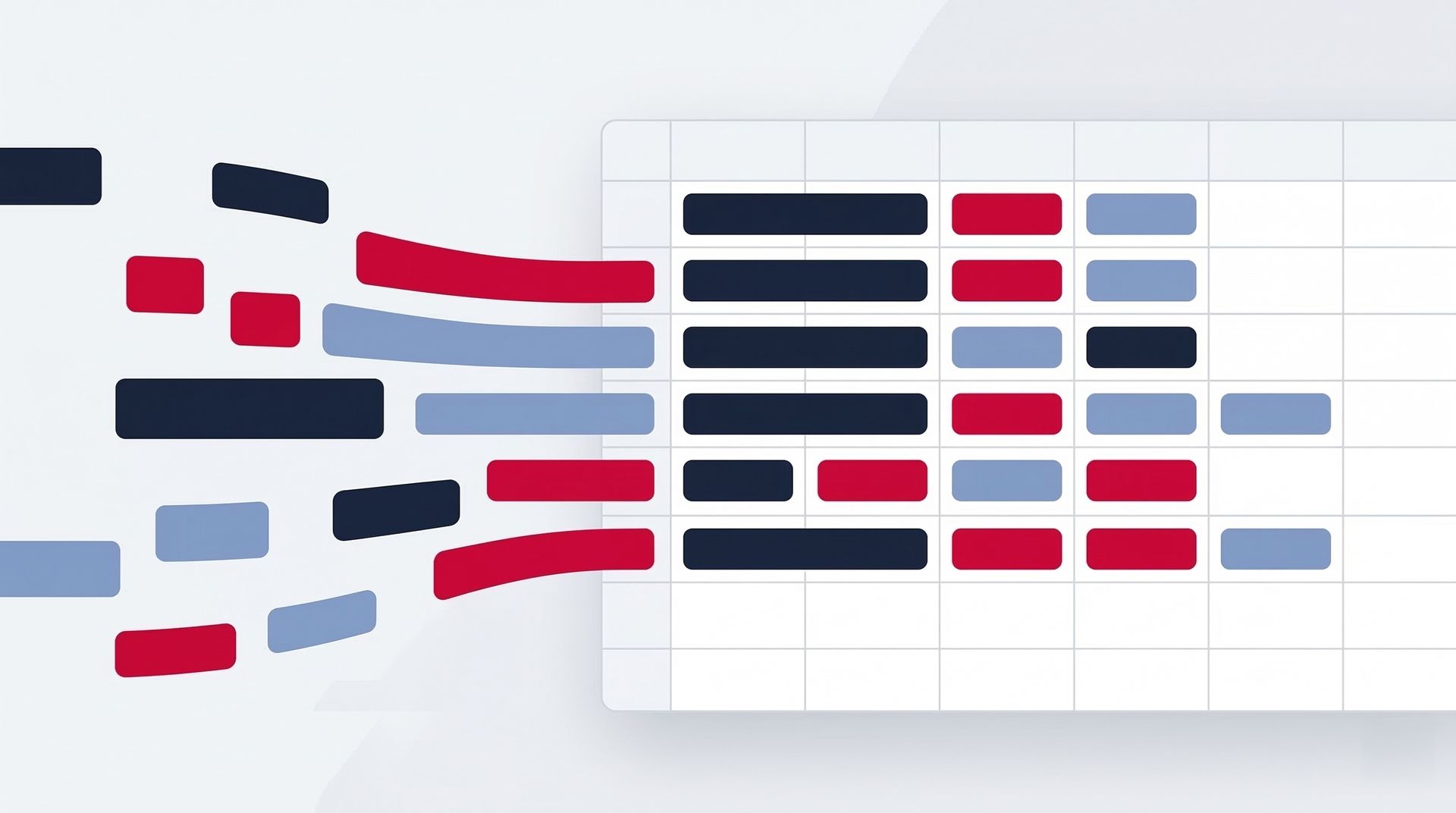
Your marketing data is scattered. Meta Ads lives in one dashboard. TikTok numbers are in another. Instagram insights sit in yet another tab of yet another platform. Every time you need the full picture, you spend an hour jumping between tools, downloading exports, and aligning columns.
There is a better way. One Google Sheet. Multiple tabs. Every platform feeding its own tab automatically. A summary sheet that ties it all together with formulas you already know.
This is how marketing teams who use Pro Plugg build their reporting hub — and it takes less than 10 minutes to set up.
The Multi-Tab Architecture
The concept is simple: give each data source its own tab, then build a summary tab that pulls insights across all of them.
Here is the structure:
- Tab 1: Meta Ads — Campaign-level data pulled via the Meta Ads Connector. Spend, impressions, clicks, conversions, CPA, ROAS.
- Tab 2: TikTok Ads — Same breakdown for TikTok campaigns using the TikTok Ads Connector. Cost, video views, click-through rate, conversions.
- Tab 3: Instagram — Post and profile metrics from the Instagram Public Data Connector. Engagement rate, reach, follower growth, content performance.
- Tab 4: TikTok Organic — Video-level performance from the TikTok Organic Connector. Views, likes, shares, comments per post.
- Tab 5: Facebook Page — Page insights via the Facebook Public Data Connector. Post reach, reactions, audience demographics.
- Summary Tab — Cross-sheet formulas that aggregate, compare, and visualize data from all tabs above.
Each tab has its own saved query in Pro Plugg. Each query pulls data from one connector into one specific tab. No overlap. No confusion.
Step-by-Step: Building Your Centralized Report
Step 1: Create Your Tabs
Open a new Google Sheet and create one tab for each data source you want to track. Name them clearly:
Meta Ads
,
TikTok Ads
,
Instagram
,
TikTok Organic
,
Facebook Page
.
Add a
Summary
tab at the beginning so it is the first thing you (or your client) sees.
Step 2: Connect Each Tab to Pro Plugg
Open the Pro Plugg sidebar. For each tab:
- Navigate to the tab.
- Select the corresponding connector (e.g., Meta Ads for the Meta Ads tab).
- Choose your account, metrics, dimensions, and date range.
- Click Pull Data.
- Save the query.
The saved query is now permanently linked to that tab. Every future update will write data to the correct place automatically.
If you are new to setting up connectors, read our guide on pulling marketing data into Sheets for a detailed walkthrough of each feature.
Step 3: Build Your Summary Tab
This is where it gets powerful. Your Summary tab uses standard Google Sheets formulas to pull data from other tabs. No special knowledge required.
Total Spend Across Platforms:
=SUM('Meta Ads'!D:D) + SUM('TikTok Ads'!D:D)
Cost Per Acquisition by Platform:
=SUM('Meta Ads'!D:D) / SUM('Meta Ads'!F:F)
Best Performing Platform by Conversions:
Use
SUMPRODUCT
,
INDEX/MATCH
, or simple
SUM
comparisons to rank platforms by any metric you choose.
Engagement Rate Comparison (Organic):
Compare Instagram engagement rate vs. TikTok Organic engagement rate side by side. Two
AVERAGE
formulas pulling from two tabs.
Step 4: Add Charts
Select your summary data and insert charts directly in the Summary tab:
- Bar chart: Spend vs. conversions by platform.
- Line chart: Daily or weekly performance trends over time (use smart append to accumulate historical data).
- Pie chart: Budget allocation across channels.
These charts update automatically whenever the underlying data refreshes.
Step 5: One-Click Refresh
Here is the magic. Next week, when you need updated numbers:
- Open the Pro Plugg sidebar.
- You see all your saved queries listed.
- Update each one. Fresh data flows into each tab.
- The Summary tab recalculates instantly.
- Charts update. Done.
Total time: under 60 seconds for five data sources.
Real-World Use Cases
Agency Managing 3 Client Platforms
You run Meta Ads, TikTok Ads, and Instagram for a client. Instead of sending three separate reports, you send one Google Sheet link. The client sees the Summary tab first with total spend, total conversions, and CPA by channel. They can drill into individual tabs if they want detail.
Update it every Monday in under a minute.
E-Commerce Brand Tracking Paid + Organic
You spend on Meta Ads and TikTok Ads while also posting organic content on Instagram and TikTok. Your Summary tab compares paid CPA against organic engagement cost (time invested vs. engagement received). This tells you where your next dollar — or hour — should go.
Marketing Director Presenting to Leadership
Executives do not want five dashboards. They want one page with clear numbers. Your Summary tab becomes the board deck. Export it to PDF, add it to a slide, or just share the sheet link with view-only access.
Pro Tips for Multi-Source Sheets
- Use consistent date ranges across all connectors so your summary comparisons are apples-to-apples.
- Enable smart append on each query to build time-series data. After a month, you have daily snapshots for trend analysis.
- Color-code your tabs — green for paid, blue for organic, yellow for summary. Keeps navigation fast.
- Lock the Summary tab (Protect Sheet in Google Sheets) so team members cannot accidentally edit formulas.
- Use our templates as a starting point. We have pre-built multi-source reporting sheets ready to connect.
When One Sheet Is Not Enough
For most marketing teams, this multi-tab setup handles 90% of reporting needs. But if you are a data team that needs to cross-reference marketing data with CRM records, sales pipelines, or product analytics, you will eventually want a data warehouse.
The good news: Pro Plugg fits perfectly into that workflow too. Use Sheets as the ingestion layer, then push your data into BigQuery for SQL-powered analysis. Read our full guide on scaling from Google Sheets to BigQuery.
For a broader look at what each connector can do individually, check out our complete connectors overview. And if you want to learn how to combine connectors for cross-platform insights, see our post on combining connectors effectively.
Ready to get started?
Your marketing data belongs in one place — not scattered across five platforms. Pro Plugg gives you five connectors in a single Google Sheets sidebar. Set up your multi-tab report once, and refresh it with one click forever.
Start your 30-day free trial today. No credit card required. Build your centralized marketing sheet in the next 10 minutes.
Share this content
Latest content


Ready to automate your reporting?
Join data-driven teams who save 10+ hours per week.
NO CREDIT CARD REQUIRED