
Share this content
Google Sheets is an incredible reporting tool. But it has limits. When you need to join marketing spend data with CRM records, calculate lifetime value by acquisition channel, or build multi-touch attribution models, you need something more powerful.
You need a data warehouse. And for teams already in the Google ecosystem, BigQuery is the natural next step.
The best part? If you are already using Pro Plugg to pull marketing data into Sheets, you are halfway there. Your Sheets become the ingestion layer, and BigQuery becomes the analytics engine.
This guide is for data teams and analytics-minded marketers who want to go beyond dashboards and unlock real business intelligence from their marketing data.
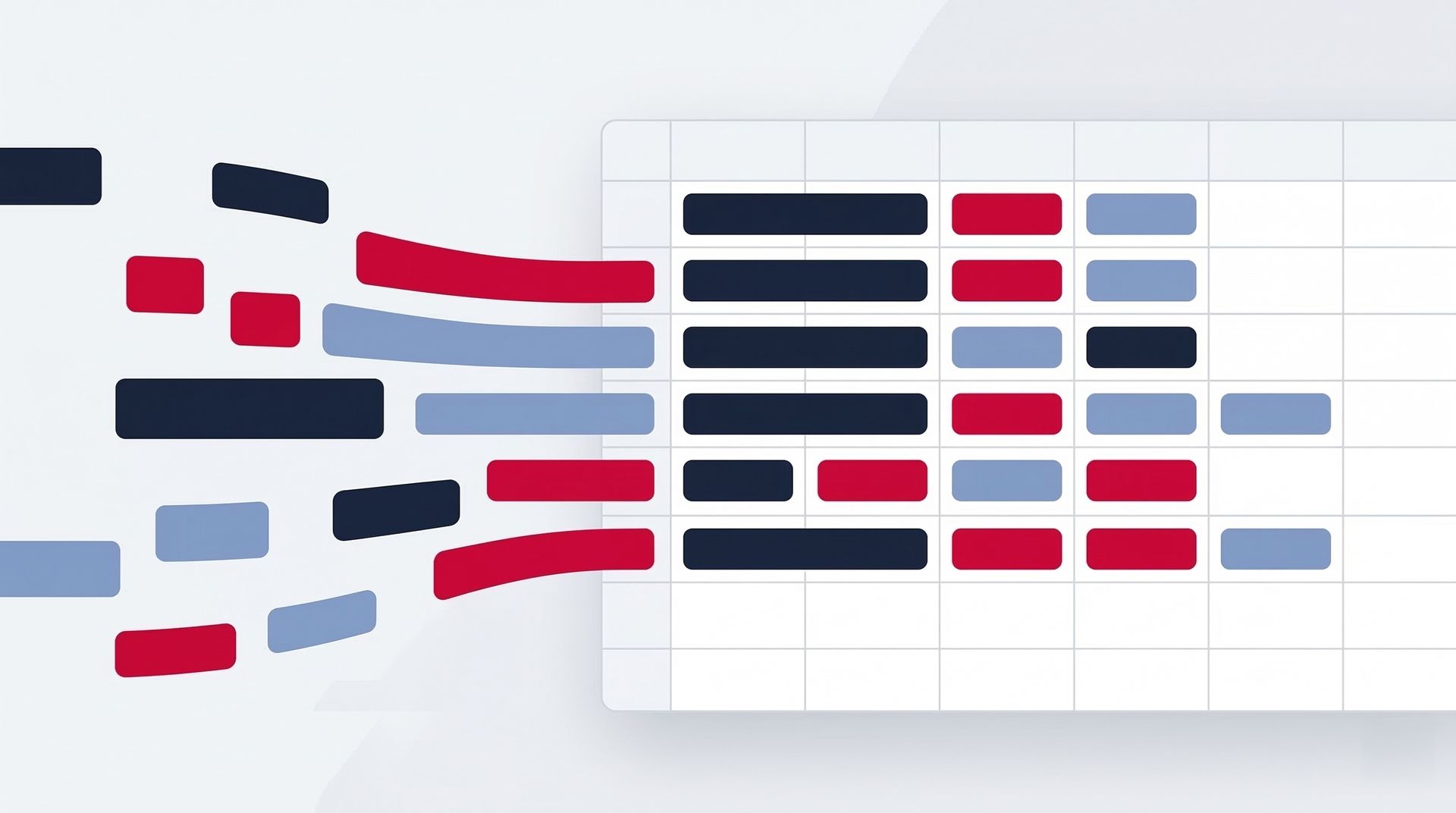
The Workflow: Pro Plugg to Sheets to BigQuery
The architecture is straightforward:
- Pro Plugg pulls marketing data into Google Sheets — Meta Ads, TikTok Ads, TikTok Organic, Instagram, Facebook.
- Google Sheets serves as the staging layer — clean, structured, always up to date with one-click refresh.
- BigQuery ingests from Sheets — using native Google Sheets connectors in BigQuery (linked data sources or scheduled exports).
- SQL queries join marketing data with internal data — CRM, sales, product usage, revenue.
- Dashboards and reports pull from BigQuery — Looker Studio, Metabase, or any BI tool your team uses.
No custom pipelines. No engineering sprints. No third-party ETL tools eating into your budget.
Why Not Go Directly to BigQuery?
Fair question. The reason this Sheets-first approach works so well is flexibility.
- Pro Plugg handles the extraction — it connects to five marketing platforms and delivers clean, tabular data into Sheets. No credential management, no rate limit debugging, no schema mapping.
- Sheets gives you a visual preview — before data hits BigQuery, you can inspect it, validate it, and share it with non-technical stakeholders.
- Marketing teams stay self-sufficient — marketers update their own data with one click. Data teams consume it downstream without being bottlenecked by every "can you pull last week's numbers" request.
- Smart append builds history — Pro Plugg's smart append feature accumulates daily or weekly snapshots in Sheets, which means BigQuery gets time-series data without you writing incremental load logic.
If you have not set up your multi-source Sheet yet, start with our guide on centralizing all marketing data in one spreadsheet. That multi-tab architecture is the perfect staging layer for BigQuery.
Setting Up the Sheets-to-BigQuery Connection
Google makes this easy with two native options:
Option 1: BigQuery Connected Sheets
BigQuery can read directly from Google Sheets as an external data source. You create a table definition that points to your Sheet URL and tab name. BigQuery treats it as a table you can query with SQL.
Best for: Teams that want real-time access to Sheets data without scheduling.
Option 2: Scheduled Exports via BigQuery Data Transfers
Set up a scheduled transfer that copies data from your Google Sheet into a BigQuery native table on a daily or weekly basis. The data lives in BigQuery storage, which means faster queries and lower costs for large datasets.
Best for: Teams running heavy analytics on historical data who need performance.
The Recommended Setup
For most teams, we recommend a hybrid approach:
- Use Connected Sheets for ad-hoc exploration and validation.
- Use Scheduled Transfers for production dashboards and automated reports.
- Keep Pro Plugg's smart append enabled so your Sheets accumulate history, and BigQuery picks up the latest snapshot on each transfer.
Use Cases That Justify BigQuery
This is where the investment pays off. Once your marketing data lives in BigQuery alongside your internal data, you can answer questions that no ad platform dashboard ever will.
1. True ROI Calculation
Ad platforms report conversions based on their own attribution. But what about returns, cancellations, and chargebacks?
In BigQuery, join your Meta Ads spend data with your sales database. Subtract refunds. Factor in COGS. Calculate true profit per dollar spent — not the inflated ROAS that ad platforms love to show.
SELECT
  campaign_name,
  SUM(spend) AS total_spend,
  SUM(revenue) - SUM(refunds) - SUM(cogs) AS true_profit,
  (SUM(revenue) - SUM(refunds) - SUM(cogs)) / SUM(spend) AS true_roi
FROM marketing_data
JOIN sales_data ON marketing_data.lead_id = sales_data.lead_id
GROUP BY campaign_name
ORDER BY true_roi DESC
No more guessing. Real numbers. Real decisions.
2. Lifetime Value by Acquisition Channel
Which channel brings the most valuable customers — not just the cheapest leads?
Join TikTok Ads and Meta Ads acquisition data with your CRM's customer lifetime revenue. You might discover that TikTok leads cost 40% less but churn 3x faster — or the opposite.
This single insight can redirect your entire media budget.
3. Multi-Touch Attribution Modeling
Last-click attribution is a lie that ad platforms tell to take credit. In BigQuery, you have the raw touchpoint data to build your own models:
- Linear attribution: Equal credit to every touchpoint.
- Time-decay: More credit to touchpoints closer to conversion.
- Data-driven: Use BigQuery ML to let the data tell you what matters.
Combine paid data from Meta Ads and TikTok Ads with organic touchpoints from Instagram and TikTok Organic to see the full picture.
4. Cross-Channel Frequency and Overlap Analysis
How many of your Instagram followers also see your TikTok ads? How much audience overlap exists between your Meta and TikTok campaigns?
With all data in BigQuery, you can analyze user overlap patterns, optimize frequency capping, and avoid paying to reach the same person on three platforms simultaneously.
5. Anomaly Detection and Alerts
Set up scheduled queries in BigQuery that flag when:
- CPA spikes more than 30% day-over-day.
- A campaign's spend exceeds its daily budget threshold.
- Organic engagement drops below a rolling average.
Pipe these alerts into Slack or email. Catch problems before they burn budget.
Architecture for Data Teams
Here is how a mature setup looks:
Pro Plugg Connectors
    |
    v
Google Sheets (staging layer)
    |-- Tab: Meta Ads
    |-- Tab: TikTok Ads
    |-- Tab: TikTok Organic
    |-- Tab: Instagram
    |-- Tab: Facebook Page
    |
    v
BigQuery (warehouse)
    |-- Table: marketing_meta_ads
    |-- Table: marketing_tiktok_ads
    |-- Table: marketing_tiktok_organic
    |-- Table: marketing_instagram
    |-- Table: marketing_facebook
    |
    v
JOIN with internal data
    |-- CRM (HubSpot, Salesforce)
    |-- Sales database
    |-- Product analytics
    |
    v
BI Layer (Looker Studio, Metabase, Tableau)
The data teams solution page covers more detail on how Pro Plugg fits into enterprise data stacks.
Who Should Use This Approach?
- Data teams building centralized marketing data warehouses.
- Growth teams that need to correlate marketing spend with downstream revenue.
- Agencies offering advanced analytics as a premium service to clients.
- Marketing teams that have outgrown spreadsheet-only reporting and need SQL-level analysis.
Getting Started: The 3-Step Path
- Set up Pro Plugg in Google Sheets. Connect all your marketing data sources. If you have not done this yet, start with our guide on pulling data into Sheets and then centralizing multiple sources.
- Link your Sheets to BigQuery. Use Connected Sheets for exploration, scheduled transfers for production.
- Write your first cross-reference query. Join marketing spend with sales data. Calculate one metric that your ad platform cannot show you. Share it with your team.
That first query will change how your organization thinks about marketing measurement forever.
For a complete overview of every connector available, visit the all connectors page. And check our templates library for Sheets-ready structures that are optimized for BigQuery ingestion.
Ready to get started?
Your ad platforms show you what they want you to see. BigQuery shows you the truth. And Pro Plugg is the fastest way to get your marketing data from platform dashboards into a warehouse where real analysis happens.
Start your 30-day free trial today. Set up your connectors in Sheets, link to BigQuery, and start asking the questions your ad platforms cannot answer. No credit card required.
Share this content
Latest content


Ready to automate your reporting?
Join data-driven teams who save 10+ hours per week.
NO CREDIT CARD REQUIRED